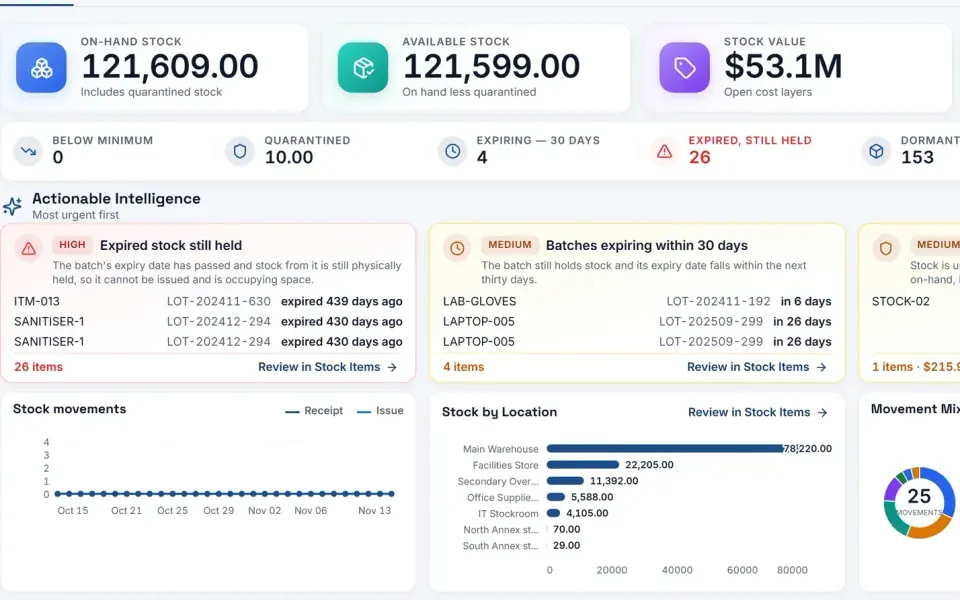















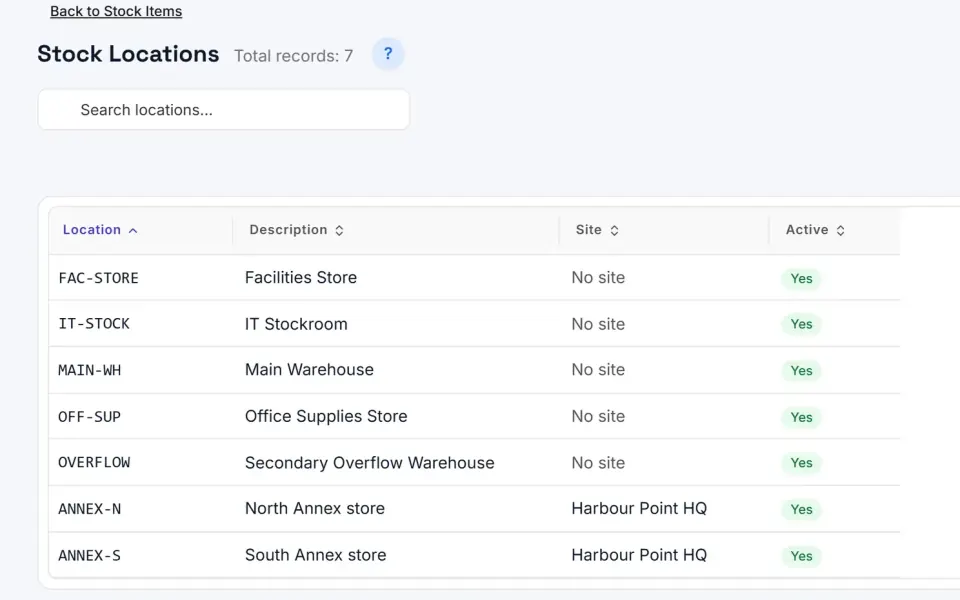
- The Eyvo Inventory Management Module allows companies to monitor and manage their inventory across multiple locations. Automates inventory checks prior to creating new orders for goods, and automatically fulfils in-stock requests.
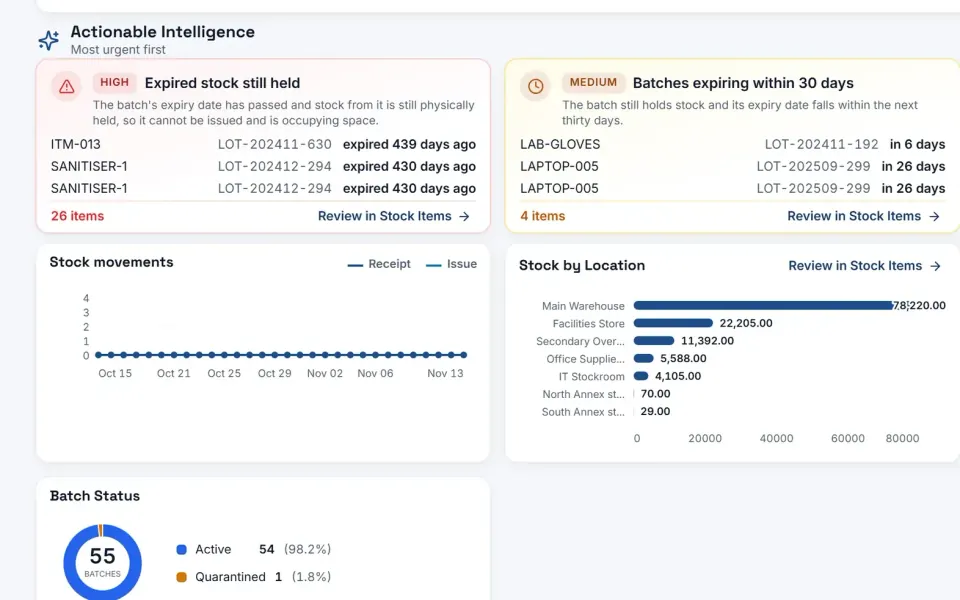
- Provides up-to-date visibility into stock movement and actions such as low stock notifications, reorder reminders, integrated internal catalogue, inventory reporting, etc. Assists with streamlining inventory handling and reducing delays.
Inventory Control
Tracking Stock Movements, transfers, receipts, issuance is now simple
Our eBuyerAssist Procurement Software (aka eBA) is a fully integrated Procurement suite and one of its optional plug-in modules is the inventory control or stock management module.
Procurement Inventory Module
When a requisition is processed into the system – you may not be required to go and order it from an external source if you already have enough of the item in stock.
The system first checks its inventory and will allow fulfillment of the request without even raising a PO.
Inventory Management Workflow.
Inventory items are goods or materials a company purchases, tracks, and stores for future use. With Eyvo’s digital procurement software, managing inventory is seamless. Upon request creation, the system immediately verifies stock levels. In-stock items are directly fulfilled from our inventory, creating an iRequest. The Inventory Manager is automatically notified via email, allowing them to review and dispatch the items from the appropriate location — ensuring swift, efficient order processing and minimal delays.
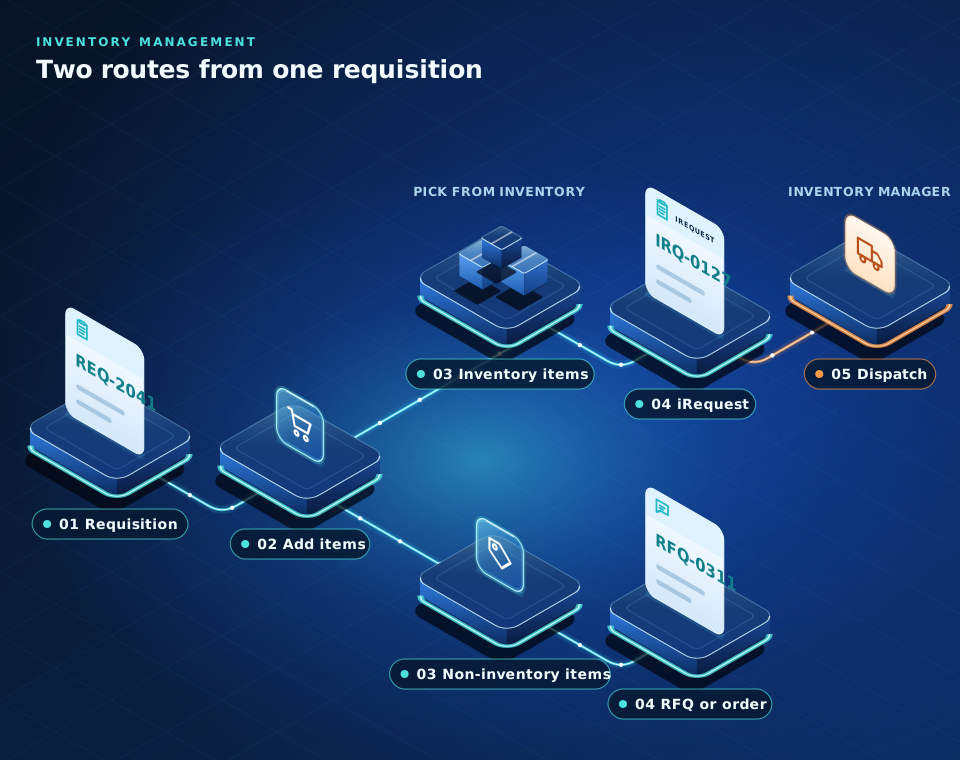
Text version: 5 steps
- Requisition
- Add items
- Inventory items and non-inventory items The items split into inventory items, which are picked from inventory, and non-inventory items.
- Convert the request For inventory items, the request is converted into an iRequest. For non-inventory items, the request is converted into an RFQ or an order.
- Dispatch The inventory manager dispatches the inventory items.
For more information, you can
of our system.
Inventory Control With Multi-location Stock Areas
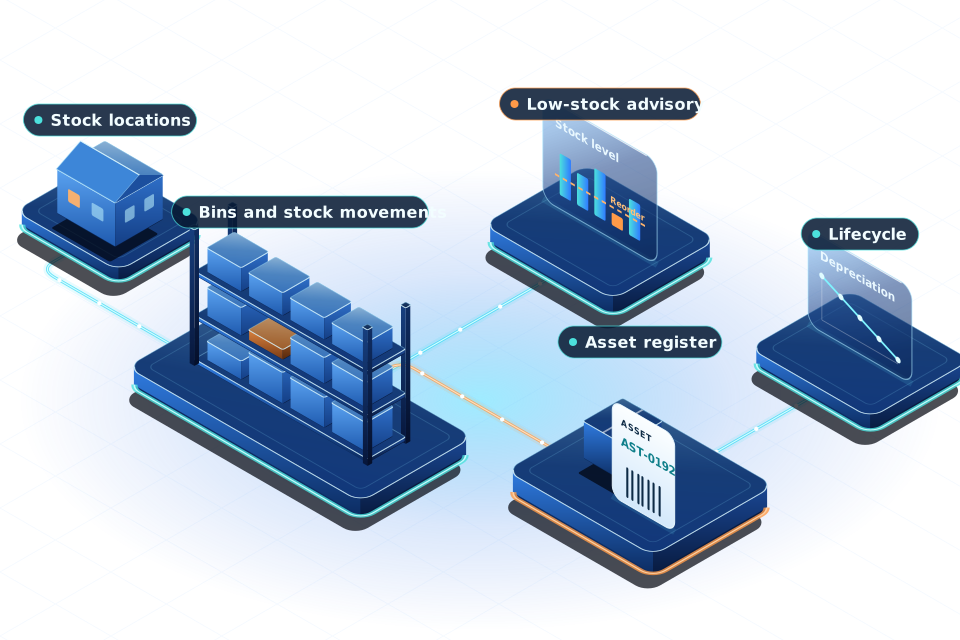
You may have various different locations where you keep your inventory: warehouse, trucks, the office closet. With eBA you can track all your inventory in each of these different locations and keep an enterprise wide consolidated view of all of it, all of the time.
If stock levels fall low, the system has the ability to raise an order for replenishment. If you have critical items you cannot run out of, it will allow you to keep a buffer stock and raise orders for replenishment or for direct fulfillment.
For inventory and stock valuation reports we can use FIFO, LIFO, FEFO, etc and we can also consume inventory against those models.
Integrated Into Your Internal Catalog
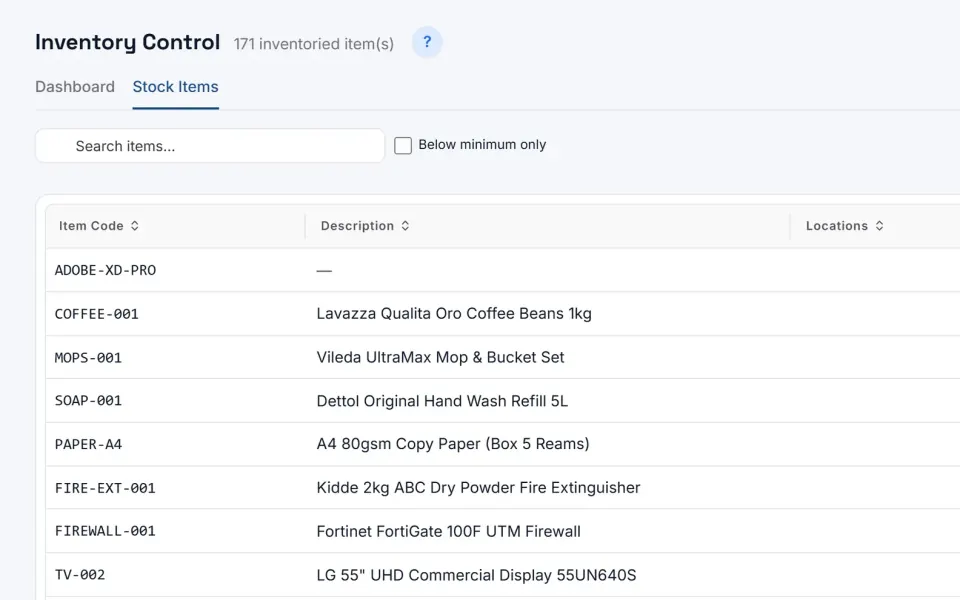
Your users may order from the internal items catalog to book things out of inventory instead of ordering directly from the supplier.
- Stock levels increase from the Receiving module
- Issue stock items to a cost code
- Low stock advisories
- Allows the return to stock of issued items
- Permits manual and automatic stock level adjustment
- Stock listing reports with stock values
- Reports on all stock movements between locations
- Multi-location warehousing
- Integrates with Vendor Punchout process
- User access is role based