Rule-based approval routing
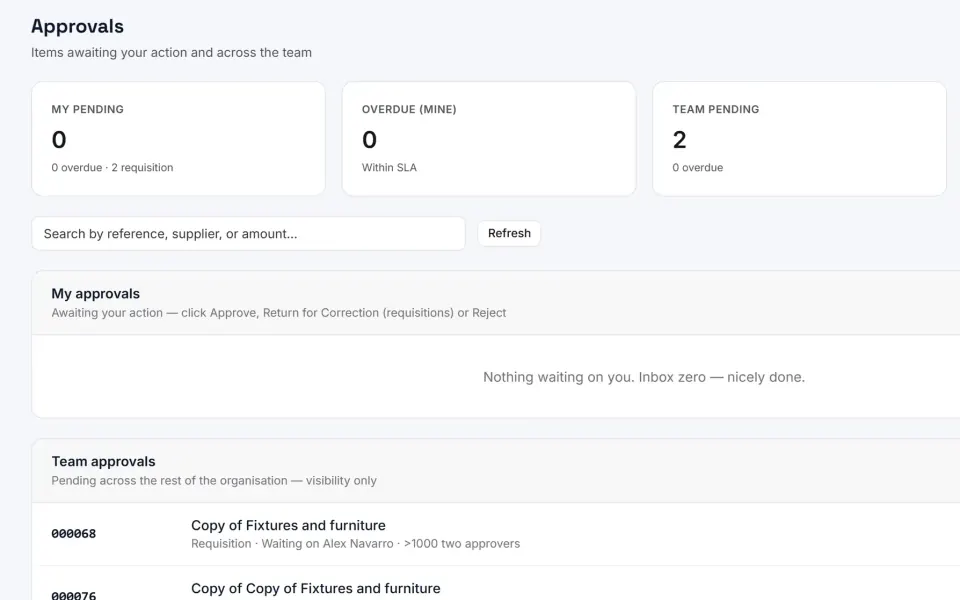
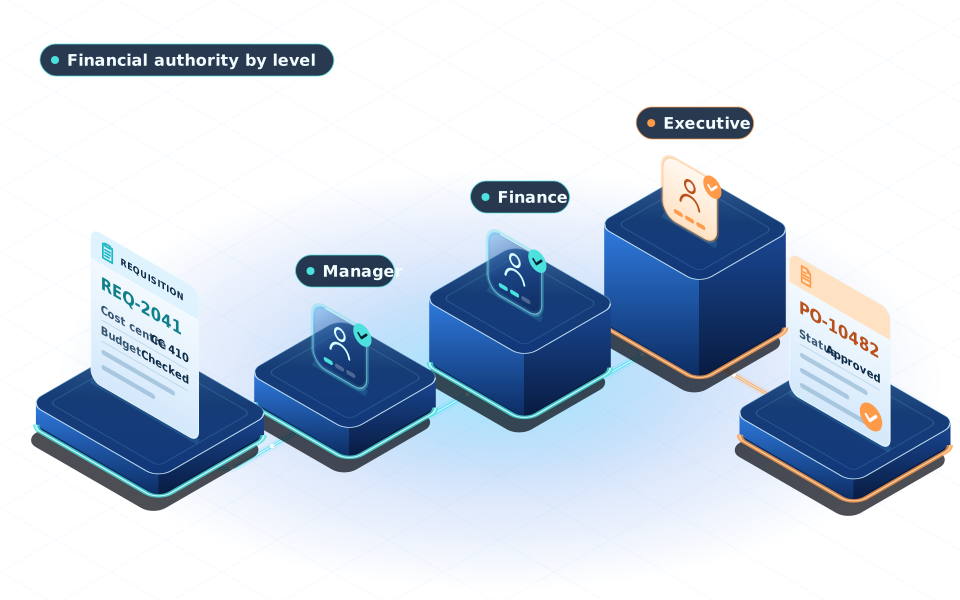
eBuyerAssist 2.0 routes requisitions and purchase orders through approval rules based on value bands, document type and accounting coding such as cost centre. A route can name specific reviewers and final approvers, or climb approval levels until it reaches someone with enough authority, and a group can decide through whichever member responds first, every member, or members in a set order.
For example, a hotel chain can send smaller purchases to a property manager, add a regional review above a set value, and require finance sign-off on anything charged to capital projects.
Financial approval authority by group
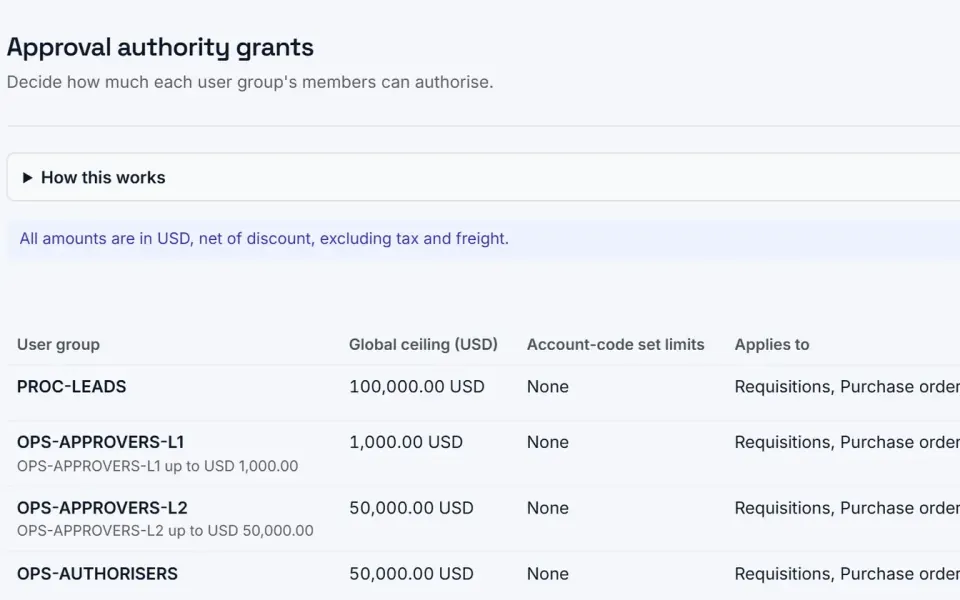
eBuyerAssist 2.0 grants financial approval authority to user groups, with an overall limit per document and optional limits on spending charged to particular account codes, set separately for requisitions and purchase orders. Individual limits can lower one person's authority, administrators can confirm what each person may approve, and everyone can view their own authority.
For example, a university can let department heads approve purchases charged to their own department up to a set limit, while finance directors approve larger amounts across the organisation.
Approval decisions and re-approval of changes
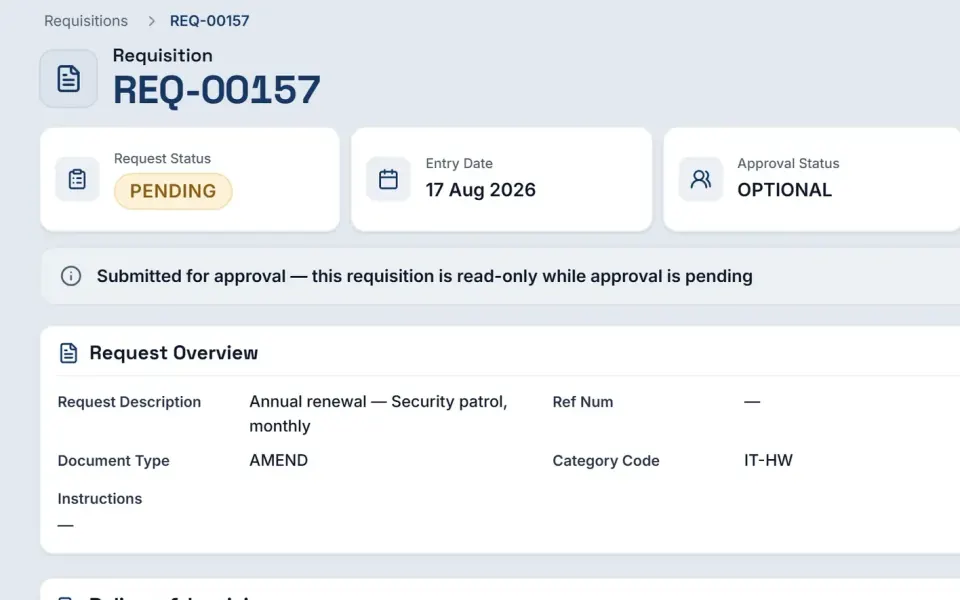
eBuyerAssist 2.0 lets approvers approve a requisition, send it back to the requester for correction, or reject it, with every decision kept in the document's history. Approved requisitions are locked and can become purchase orders, and an approved order whose value rises beyond the permitted tolerance, or whose supplier, currency or coding changes, must be approved again before it is sent.
For example, a hospital group's finance team can send a requisition with the wrong delivery details back for correction instead of rejecting it, so the requester fixes and resubmits it.
Approval route checks and monitoring
eBuyerAssist 2.0 checks each approval route before it goes live, confirming that the people it routes to hold enough authority for the amounts involved, and will not publish a route that could not work. Once live, rules are monitored against current authority, waiting approvals can be reviewed for delays and blockages, and requesters see who will approve a requisition before submitting it.
For example, when a finance manager leaves an approval group, a law firm's administrators can see straight away which rules are affected and which waiting approvals need attention.
Approval reminders, escalation and reassignment
eBuyerAssist 2.0 keeps approvals moving with automatic reminders and escalation to a nominated backup approver when a decision is overdue. Administrators can reassign a waiting step with a recorded reason, the new approver still decides within their own authority, and nothing is ever approved automatically, so controls stay intact even when decisions are delayed.
For example, a manufacturer can remind approvers about waiting orders after a few working days and bring in a backup approver if a decision is still outstanding.
Out-of-office cover and delegation
eBuyerAssist 2.0 lets approvers set out-of-office periods and nominate a delegate, and the absence starts and ends automatically. Waiting approvals pass to the delegate and return afterwards, the delegate decides with their own authority rather than the absent person's, and administrators can arrange cover on someone's behalf for unexpected absences, with every change recorded.
For example, when a charity's finance director is on leave, a nominated deputy picks up waiting approvals and decides them within the deputy's own approval limits.
Segregation of access, administration and authority
eBuyerAssist 2.0 keeps approval authority separate from system access. Being able to raise requisitions, or being an administrator, carries no authority to approve spending, and finance configuration rights must be granted explicitly, even to administrators, which supports clear segregation of duties.
For example, a hospital group's IT administrators can manage users and system settings without being able to approve purchases or change the accounting set-up, which stays with the finance team.